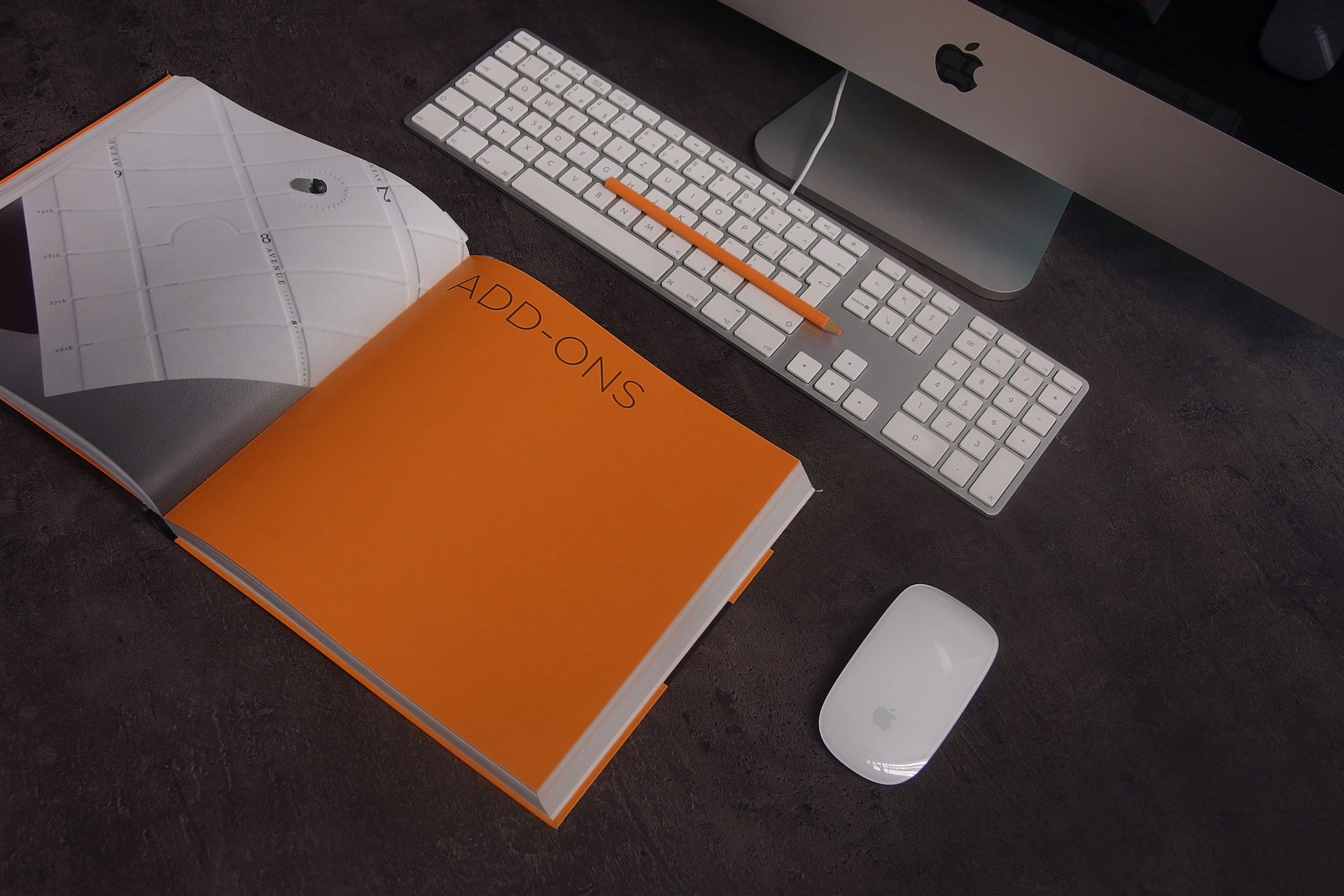
A home office has to do two jobs at once: it needs to function as a workspace and still feel like part of your home. The best decorating decisions therefore begin with the way you work, not with the accessories you see in an inspiration photo.
A beautiful desk is not much help if it is too shallow for your monitor. A stylish chair is not a good choice if it cannot be adjusted to your body. And a carefully arranged shelf loses its appeal when cables, paperwork, and equipment have nowhere to go.
The goal of this guide is simple: build the functional foundation first, then use decor to make that foundation feel intentional.
Start With the Room, Not the Shopping List
Measure the room before buying furniture. Record the wall length available for the desk, the location of windows and doors, power outlets, heating or cooling equipment, and the main route through the room. Then mark the proposed desk footprint on the floor with painter’s tape. This inexpensive test tells you much more than a product photograph does.
As a planning target, try to preserve roughly 30–36 inches of comfortable walking space where the room allows it. Smaller offices may require less, but you should know the compromise before ordering furniture. Also measure the delivery route. A desk that fits the room but cannot pass through the doorway or stairwell is not a practical purchase.
1. Put Light Where You Actually Need It
Natural light can make a workspace more pleasant, but the desk does not have to face the window. Positioning the screen perpendicular to the window is often a useful starting point because it can reduce direct reflections compared with placing the screen directly in front of or behind a bright window.
Then add artificial lighting for the times daylight is insufficient.
| Lighting layer | Job | Practical placement |
|---|---|---|
| General | Overall room illumination | Ceiling fixture or broad room light |
| Task | Reading and desk work | Adjustable desk lamp |
| Ambient/accent | Softer atmosphere | Floor lamp or secondary fixture |
Color temperature deserves some experimentation. Cooler light is often chosen for daytime workspaces, while warmer light can feel more comfortable in the evening. A claim that one color temperature universally improves concentration is too broad; brightness, glare, screen settings, daylight, and personal preference all matter.
For a flexible office, an adjustable-color-temperature lamp can be useful. Whatever you choose, test it at your actual desk rather than judging it from the packaging alone.
2. Choose Desk Width and Depth for Your Work
Desk size should follow your equipment and working habits. A person using a laptop and notebook may need much less surface area than someone working with two monitors, paperwork, and reference material. Before choosing a desk, make a list of everything that must remain on its surface.
For example:
- Laptop or desktop computer
- One or more monitors
- Keyboard and mouse
- Notebook or paper documents
- Desk lamp
- Frequently used stationery
A desk that is approximately 36 inches wide may suit a compact laptop setup, while a multi-monitor arrangement may require substantially more width. Depth matters just as much: shallow desks can leave too little room between the keyboard and monitor. If you use a desk converter, measure the converter footprint and its raised height. Make sure it does not collide with shelves, windows, or a wall-mounted monitor when elevated.
3. Get Monitor Position Right Before Decorating Around It
Monitor placement affects both the appearance and usability of the desk. A practical starting point is to position the primary screen directly in front of you, with the top of the display around eye level or slightly below depending on your posture and screen size. The screen should be far enough away that you can read comfortably without leaning forward; exact distance varies with display size and vision.
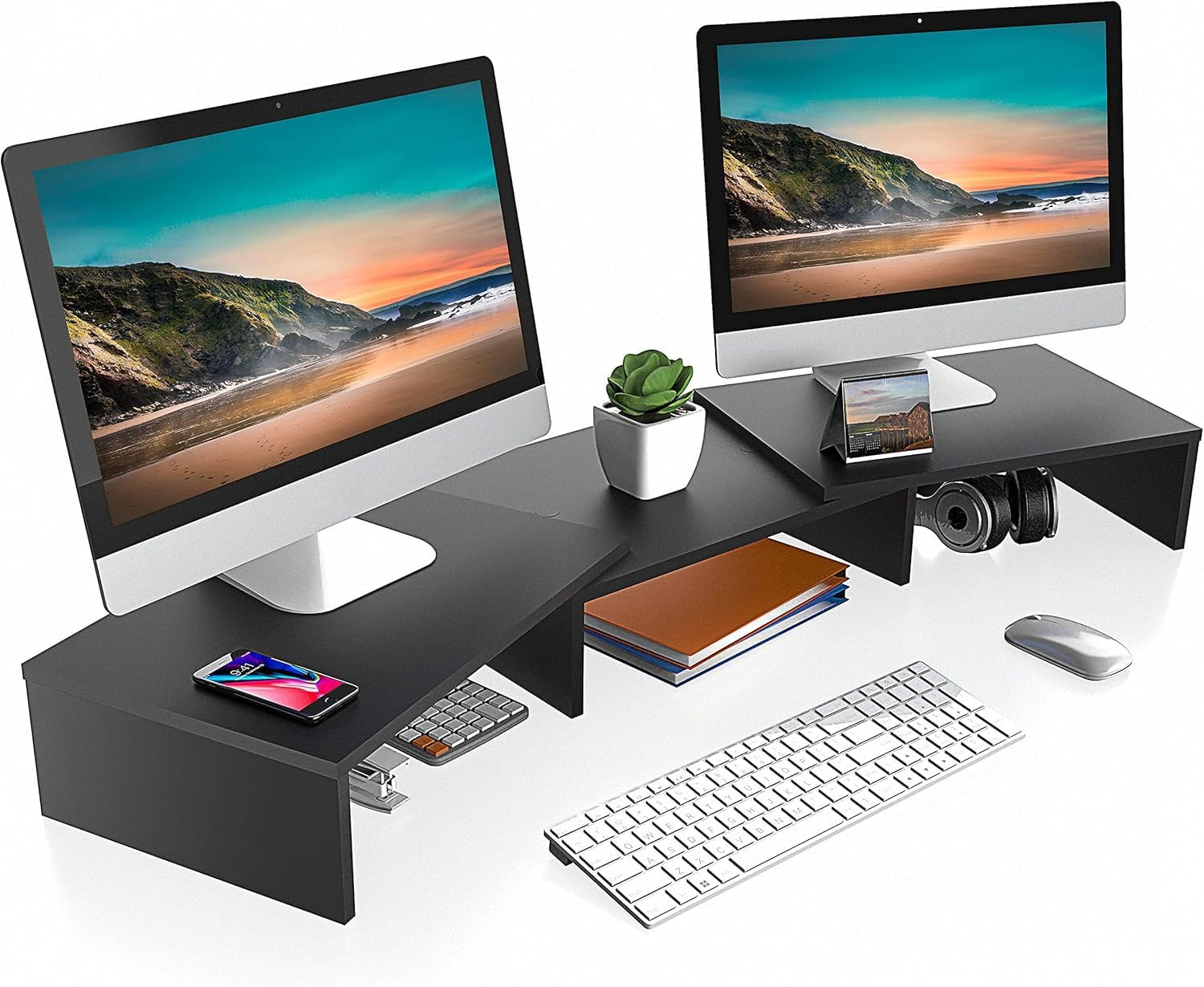
With two monitors, decide which one is primary. Center that display with your usual seating position rather than automatically centering the gap between the two screens. A monitor stand or riser can also create useful space underneath for a keyboard, notebook, or small accessories when the design allows it.
4. Treat the Chair as Equipment, Not Decoration
The chair is one of the most important purchases in the room because it is used for long periods. Look for adjustability rather than a generic promise of “ergonomic” design. Useful features can include adjustable seat height, appropriate lumbar support, adjustable armrests, and a seat that allows you to sit comfortably without pressure behind the knees.
Your feet should be supported, and the desk and chair should work together. If raising the chair to the correct height leaves your feet unsupported, a footrest may help. Mesh can be useful in warm rooms because it allows airflow, while upholstered chairs may better suit a residential aesthetic. Neither material is automatically the right choice; comfort, adjustability, durability, and fit matter more than appearance alone.

5. Make Cable Management Part of the Decor
Cable management is one of the easiest ways to make a home office look unfinished. Before buying organizers, identify every cable that needs to reach an outlet. Group cables by destination, keep power equipment accessible, and avoid creating tight bends or overloaded power connections.
A simple setup might use:
- One accessible power location
- A cable tray or under-desk channel
- Shorter cables where practical
- Clips to guide charging cables
- A clearly labeled place for adapters
Do not permanently hide equipment that needs regular access. Good cable management should make maintenance easier, not merely make wires invisible in a photograph.
6. Build Storage Around Your Actual Clutter
Look at what currently collects on your desk and floor. That is the storage problem to solve. Use drawers or closed cabinets for supplies, documents, spare cables, and objects that do not need to remain visible. Use open shelves for books and a limited number of decorative pieces.
A useful rule is to give frequently used items the easiest access. Occasional supplies can move higher or farther away. Vertical storage can be particularly valuable in a small office, but measure the wall before installing shelves. Check the manufacturer’s load limits and use appropriate mounting hardware for the wall type.
7. Add Personality Without Turning the Desk Into a Display Shelf
Decor should support the room rather than compete with the work surface. Choose a few elements with a clear purpose or personal connection: artwork, a plant that suits the available light, a small framed photograph, a ceramic object, or a rug that helps define the workspace. If you work on camera, consider what appears behind you as well. A simple background with one or two intentional details usually requires less maintenance than a wall packed with objects.
Keep the most visually distracting items outside your immediate working area where possible. The aim is not a sterile office; it is a room where the eye can settle without constantly encountering unfinished piles and unrelated objects.
8. Use Color as a Background, Not a Productivity Promise
Muted colors can create a calm visual environment, but there is no single office color guaranteed to improve productivity for everyone. Instead, choose a palette that works with the rest of your home and with the amount of daylight in the room. A neutral wall can provide flexibility, while a muted accent color can give the office identity.
If you are unsure, test paint or large color samples at different times of day. A shade that looks balanced in morning daylight can appear very different under artificial light.
9. Do Not Ignore Acoustics
A workspace with hard flooring, bare walls, and large glass surfaces can produce noticeable echoes. That can make calls less comfortable and can make the room feel harsher than it looks. A rug, curtains, upholstered furniture, books, and fabric wall treatments can introduce softer surfaces. They will not turn a normal office into a recording studio, but they can help reduce the amount of hard reflective surface.
If video calls are important, test the room with the microphone you actually use. The result is more useful than judging acoustics by appearance.
10. Decorate the Floor and Walls Strategically
A rug can visually define an office area, especially when the office shares space with another room. Choose a size that allows the chair to remain comfortably positioned rather than placing a tiny rug directly under the desk.
For wall decor, consider the desk width and the available wall height. One medium piece may be more effective than several small pieces scattered randomly. Artwork should not interfere with monitor placement, shelves, lighting, or doors.
Curtains can soften a room and control glare, but leave enough clearance for the window to operate normally.
A Worked Example: 9 × 10 Foot Home Office
Imagine a 9 × 10 foot room with a window on the shorter wall and a door near one corner.
First: place a 60-inch-wide desk on a wall perpendicular to the window so the screen is less exposed to direct daylight reflections.
Second: tape the desk footprint before buying it and check the chair’s pushed-back position. Confirm that the main doorway path remains comfortable.
Third: reserve one section of the desk for the monitor and another for writing. If two monitors are required, move the lamp and other accessories off the main working zone.
Fourth: use a narrow storage cabinet or wall shelving where it does not interfere with the door swing.
Fifth: add a floor lamp, one piece of artwork, and a plant suited to the available light. Stop there initially. Live with the room before adding more decoration.
This sequence prevents a common mistake: filling the office with attractive objects before discovering that the furniture arrangement does not work.
Choosing Between Common Workspace Upgrades
| Upgrade | Best when | Check before buying |
|---|---|---|
| Ergonomic chair | You sit for extended periods | Adjustability and fit |
| Desk converter | Existing desk is usable but you want height flexibility | Raised height and footprint |
| Desk lamp | Desk has shadows or insufficient task lighting | Glare, brightness, adjustability |
| Monitor riser | Screen needs height or desk needs organization | Monitor weight and dimensions |
| Wall shelf | Floor space is limited | Wall type, load rating, clearance |
The products featured with this article are examples of these categories, not mandatory purchases. Measure your own setup first.
Common Home Office Decorating Mistakes
Choosing the desk before measuring the room. A beautiful desk can consume the circulation space you actually need.
Buying a chair for appearance alone. A chair should be evaluated for fit and adjustment, not just color.
Putting the monitor wherever it looks symmetrical. Center it around your normal seating position and primary screen.
Using one bright ceiling fixture for everything. Add task or ambient lighting where the work actually happens.
Filling every shelf. Empty space can make useful items easier to find and maintain.
Ignoring cable access. Equipment eventually needs unplugging, cleaning, or replacement.
Assuming a certain color or bulb temperature guarantees focus. Treat these as environmental preferences and test them in your own room.
Buying a standing setup without checking ergonomics. Height adjustment is useful only when the keyboard, screen, and working position can also be set appropriately.
Home Office Setup Checklist
- Measure the room and desk wall.
- Mark the proposed furniture footprint with tape.
- Check door, drawer, and chair clearance.
- Plan power and cable routes.
- Decide how many monitors and devices need surface space.
- Choose a chair based on adjustability and fit.
- Add task lighting where needed.
- Plan closed and open storage separately.
- Check screen glare at different times of day.
- Add only a few decorative elements initially.
- Test acoustics during an actual call if calls matter to your work.
- Reassess the room after using it for a week.
Final Thought
A stylish home office does not need to look like a corporate showroom or a perfectly staged social-media workspace. It needs to support the way you actually use it. Start with measurements, seating, desk space, screen placement, light, power, and storage. Then add the visual layers: a rug, artwork, plants, textiles, and a few objects that make the room feel like part of your home.
The most useful decorating upgrade may be the one you barely notice after a few weeks because it simply makes the room easier to work in. That is a better standard for a home office than whether the setup looks impressive in a photograph.
Affiliate disclosure: This article contains affiliate links. If you purchase through one of these links, Glimerz may earn a commission at no additional cost to you. Product suggestions are included because they relate to the workspace categories discussed above and do not determine our editorial recommendations.

